The data grid for busy markets.
Price boards, watchlists, blotters and order books. Tens of thousands of ticks a second land in one update a frame, and only the cells that changed repaint. Grouping, pivot, tree data and Excel export come in the same free package.
npm i bo-grid
- 1,000 × 24symbols and columns on one board
- 30,000events a second, in one update a frame
- ~45 KBgzip core, no runtime dependencies
- 8theme presets, and your own tokens
Measured on a production build in Chrome: a 1,000-symbol, 24-column board takes about 9 ms of main-thread work a frame at 10,000 events a second and about 12 ms at 30,000, with every changed cell flashing.
Made for prices
What a trading screen needs is built in, not left to a cell renderer.
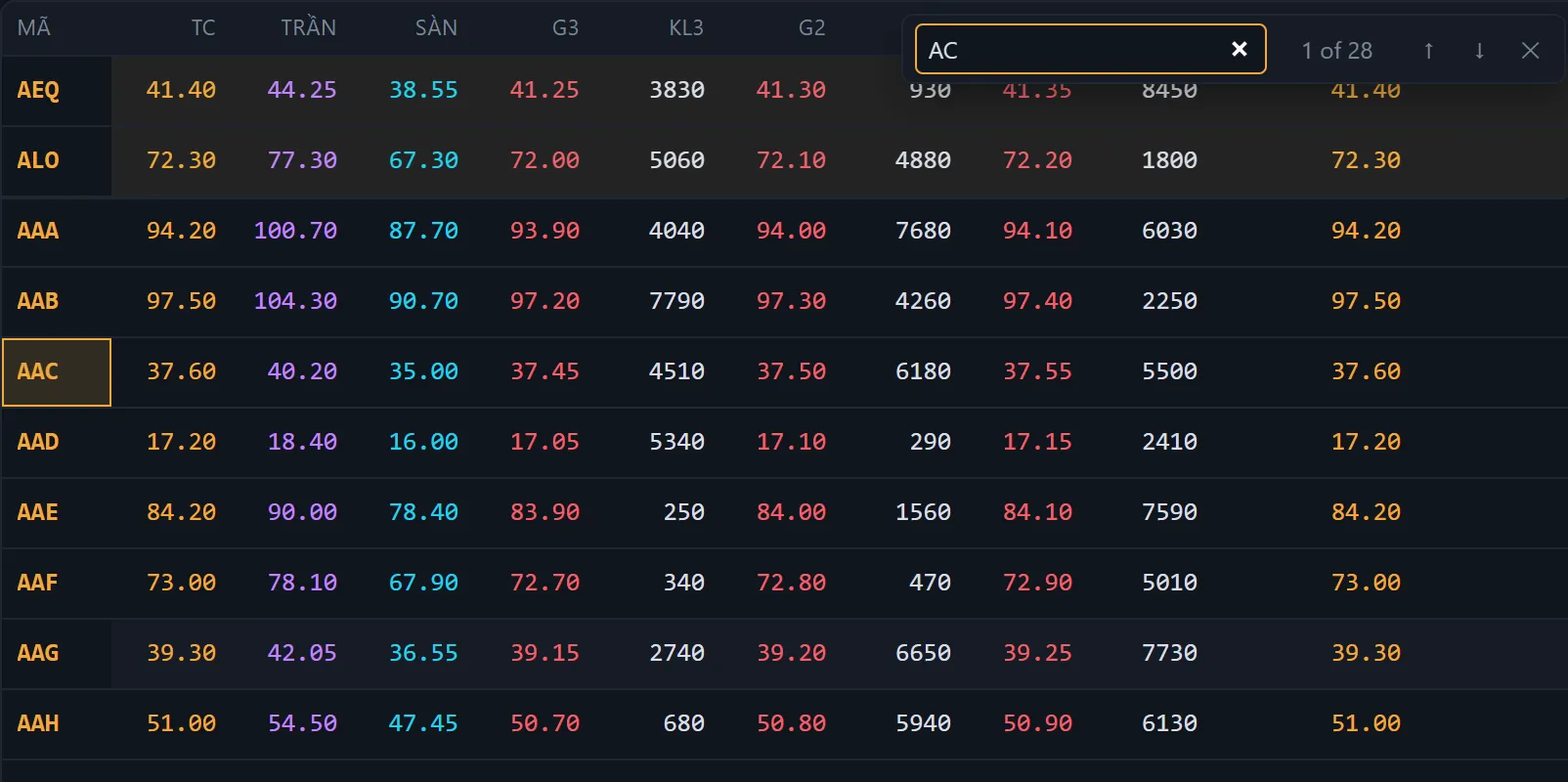
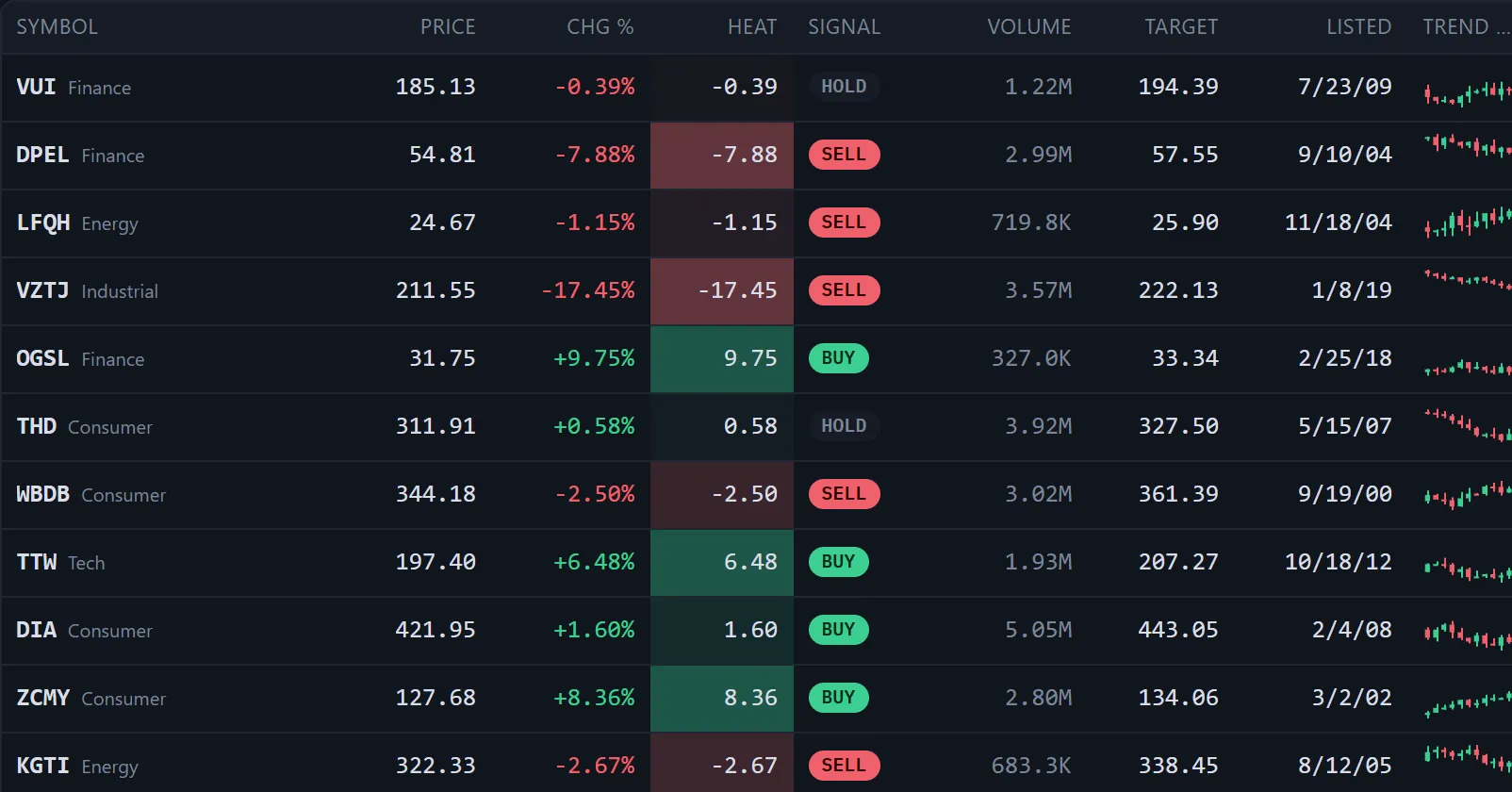
- A flash on every tickCells tint up or down as they change and can show the size of the move. On a busy board, held flashes keep each one cheap.
- Price-limit coloursCeiling, floor and reference prices coloured as exchanges show them, with tick-aware formatting and session state.
- Only what is on screen streamsA coalescing tick stream patches rows in place, and viewport subscriptions stream just the symbols in view.
- Order book and tape helpersHelpers for an order book, a price ladder and time and sales, in an optional entry of about 1 KB.
A look around
Everything in one package
One install, no add-ons, no licence key.
- Realtime
- Tick flashes · size of each move · in-place patches · a coalescing tick stream · streaming only the rows on screen · live re-sort
- Data
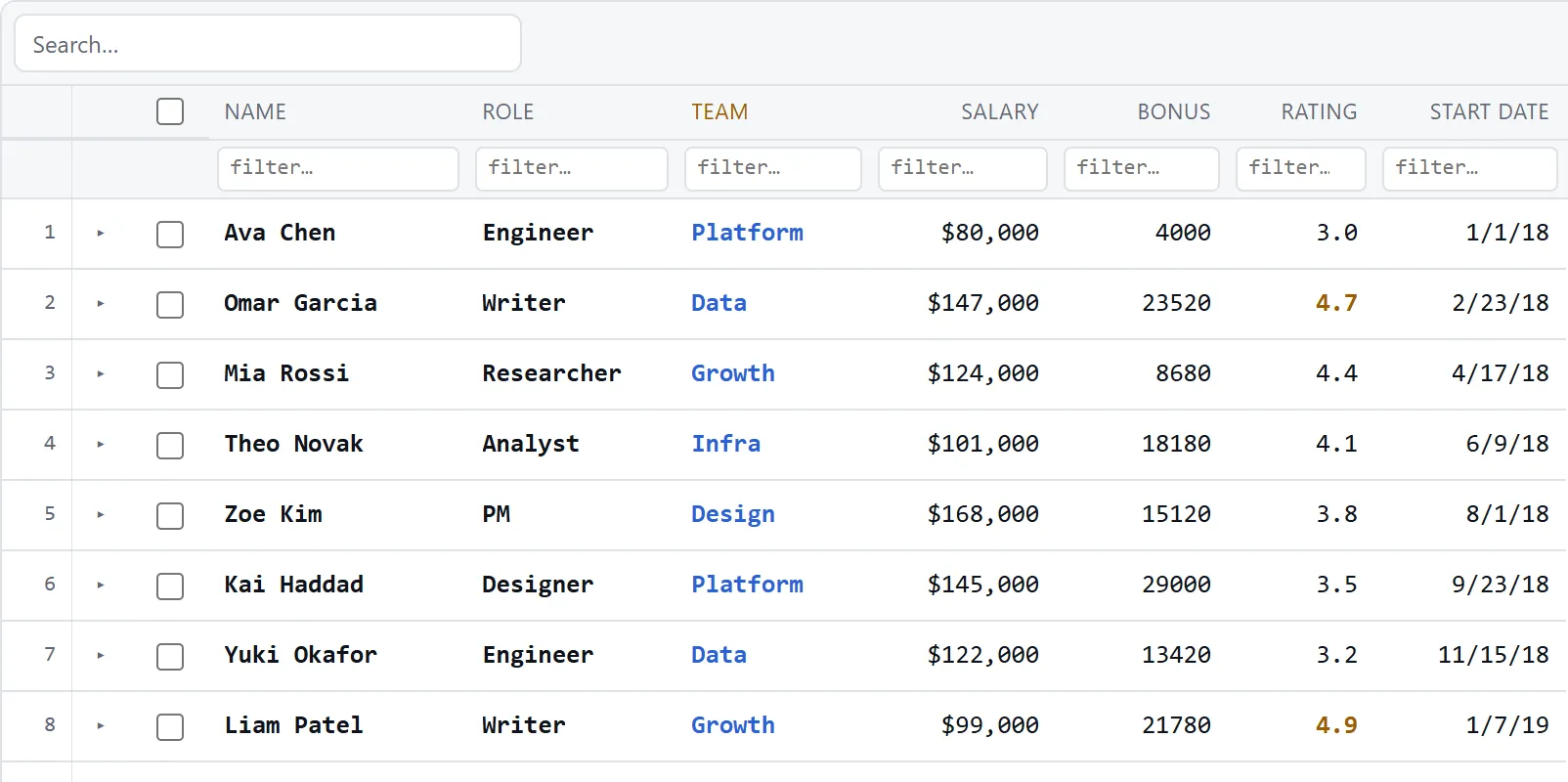
- Single and multi sort · text, number, date and set filters · quick search · find in grid · grouping with subtotals · pivot · tree data · master-detail · server-side rows
- Editing
- Inline and typed editors · validation · clipboard · fill handle · undo and redo
- Layout
- Pinned columns and rows · columns that scale or widen as values grow · resize, reorder, hide · header groups · merged cells · column virtualization · pagination
- Look
- 8 theme presets and your own tokens · data bars, icons and colour scales · sparklines · localization
- Platform
- Keyboard and screen reader support · SSR and SvelteKit · layout save and restore · CSV and Excel export and import
Start in a minute
Native in Svelte 5. React, Vue, Angular or plain JavaScript use the <bo-grid> element and need no Svelte setup.
<script lang="ts">
  import { Grid, type ColumnDef } from 'bo-grid';

  const columns: ColumnDef[] = [
    { type: 'text',    key: 'symbol', header: 'Symbol' },
    { type: 'price',   key: 'price',  header: 'Price', flash: 'auto', showChange: true },
    { type: 'percent', key: 'change', header: 'Chg %' },
    { type: 'volume',  key: 'volume', header: 'Volume' },
  ];
  let rows = $state.raw(quotes);
</script>

<Grid {rows} {columns} height={480} fitColumns findBar />// React, Vue, Angular or plain JS: no Svelte setup
import 'bo-grid/element';
document.querySelector('bo-grid').config = {
columns,
rows,
height: 480,
theme: 'dark',
// Ticks patch rows in place: only changed cells repaint
onReady: (api) => feed.onTicks((changes) => api.patchRows(changes)),
};Beside the chart
bo-grid and TradeCanvas are built to sit side by side: a board whose rows open a chart, a chart beside a blotter of orders. Together they are the start of a toolkit for trading software: charts, order entry, price boards and order flow.
Building a trading screen with TradeCanvas?
We'd like to hear about it.